 LAKE
Technical drawings
QAD
Create plans, sections and viewport views. Add dimensions and annotations, arrange sheets, and publish drawings from Blender.
Work in progress3 PDF guides
A connected family of tools for Blender and Revit. Model with purpose, document the detail, and take your work into the next application.
A first look at QAD, XForm, ZForm, ReForm, Piper and XChange, including Para, Profiles and Assy. These add-ons are under construction and should be released soon; the release date is still to be confirmed.
Development preview with animated models and intended workflows. The Revit round trip is illustrated, rather than a live Revit recording.
QAD, XForm, ZForm, ReForm, Piper and XChange are works in progress. Features and interfaces may change. Bevel Edge remains the established product.
Create plans, sections and viewport views. Add dimensions and annotations, arrange sheets, and publish drawings from Blender.
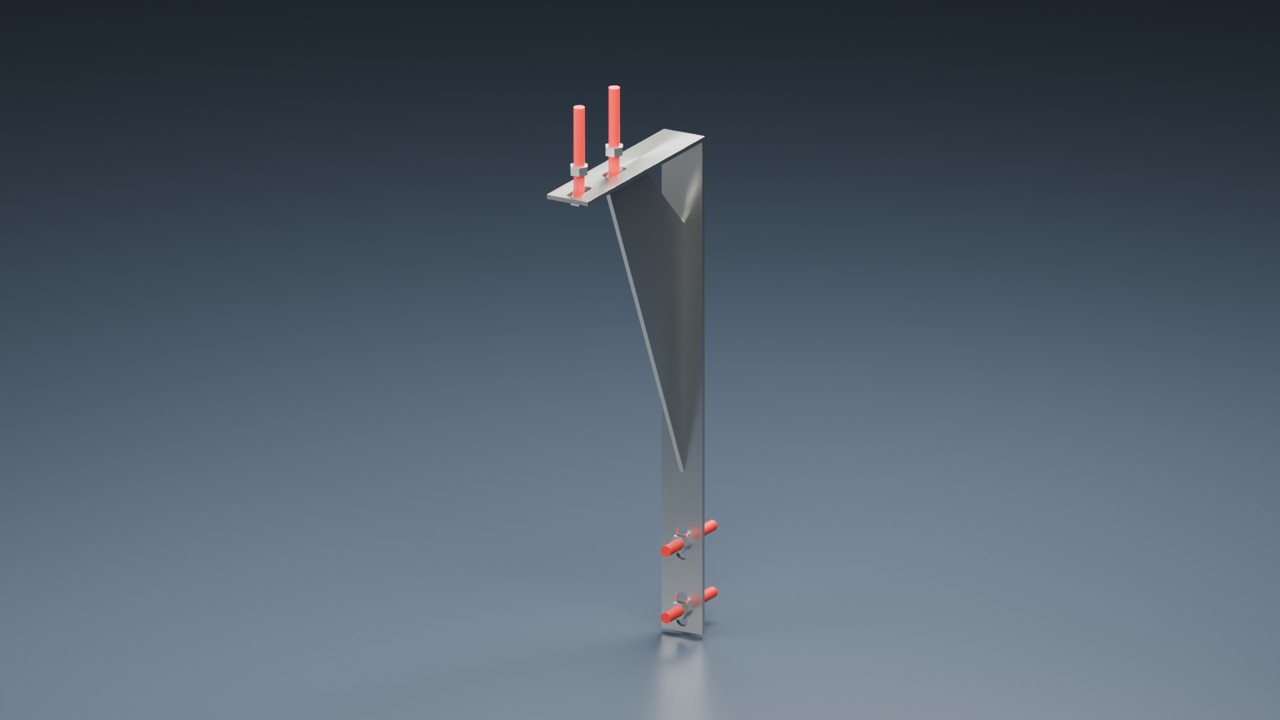
Dimension-driven modelling, CAD-style aids, connectors, constraints and editable bevels in one Blender extension.
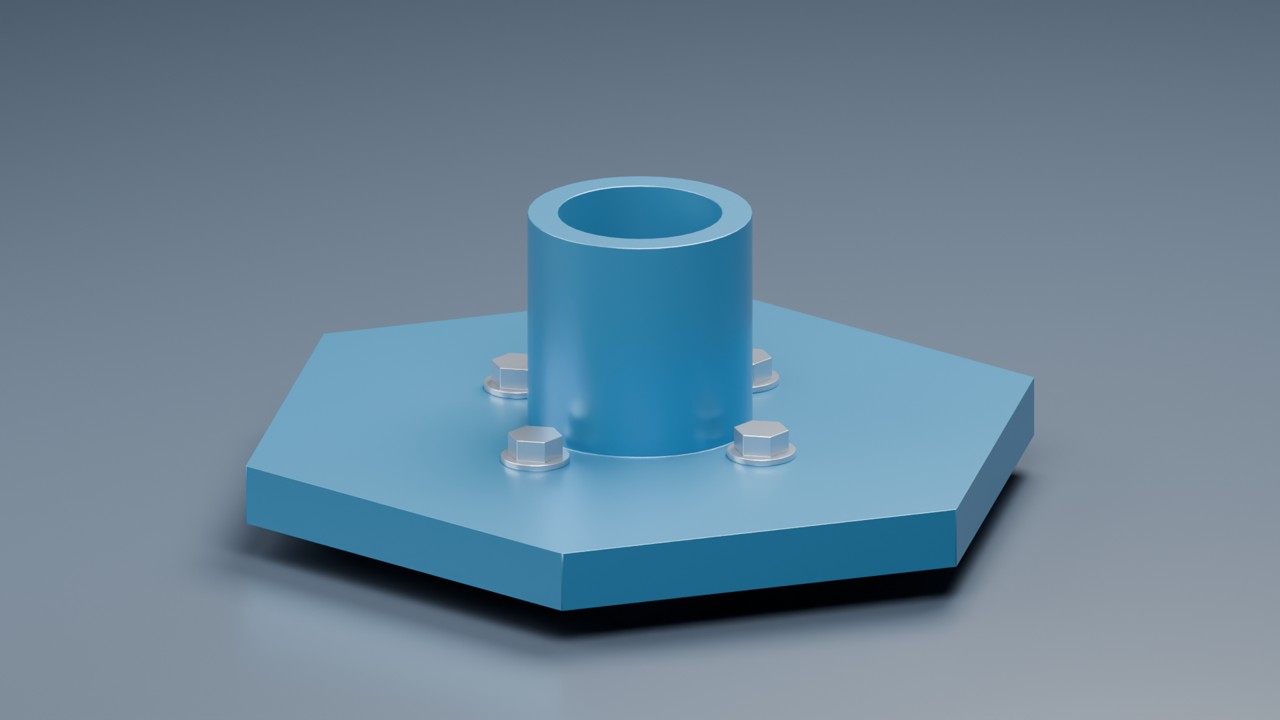
Parametric solid modelling with an OCCT-based geometry engine, constrained sketches and STEP exchange inside Blender.

Open STEP and IFC geometry, modify solids or meshes with a focused modelling interface, and send the result to Revit.
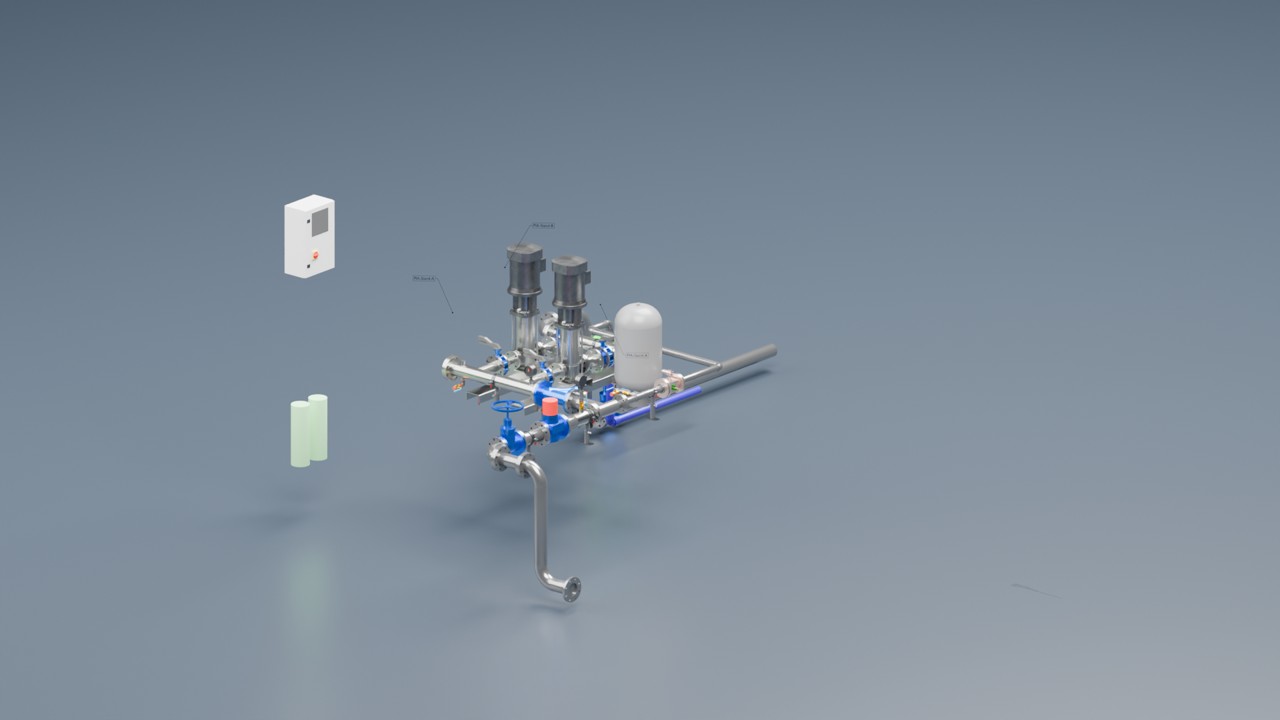
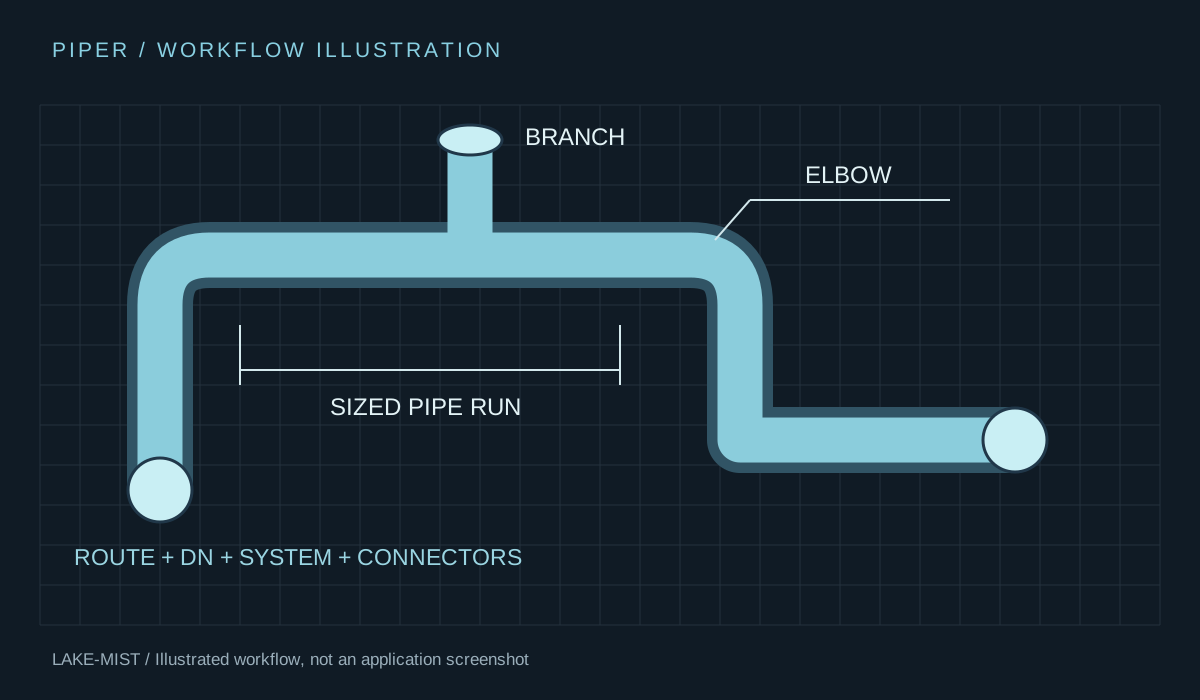
Draw pipe runs with DN sizes, routed fittings and equipment connectors. Develop pipework in the context of your Blender model.
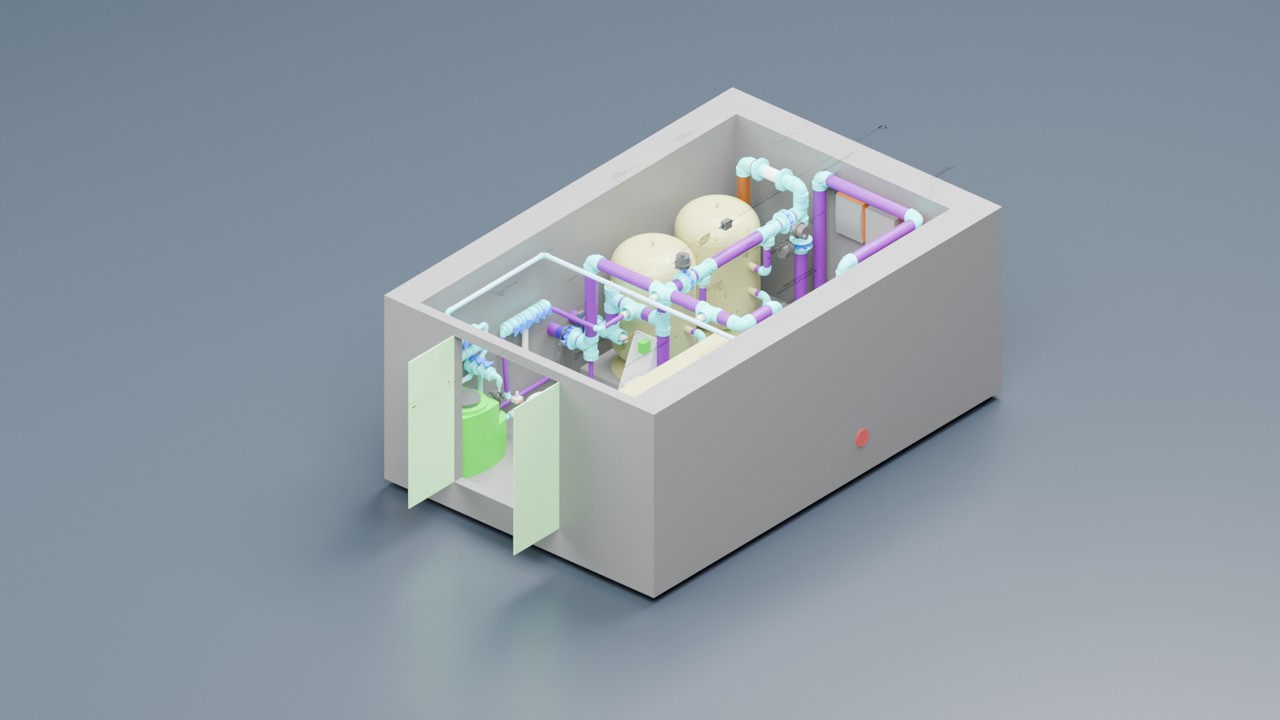
Exchange IFC files and Revit packages, with a companion Revit add-in for importing Blender models into projects.
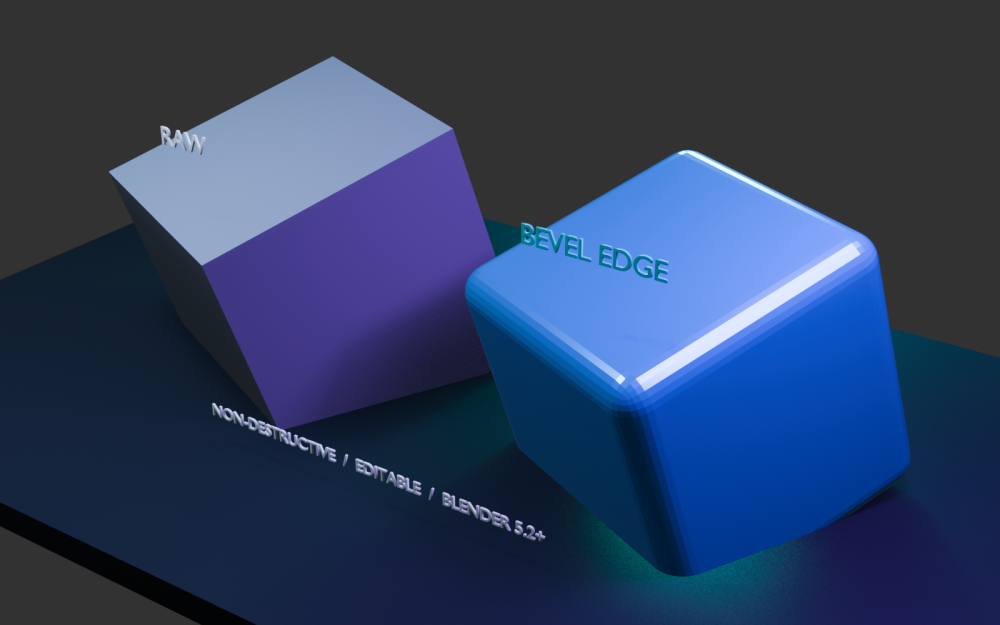
Named, editable chamfers and fillets for selected edges, vertices or whole mesh objects.
XForm for meshes. ZForm for exact solids. ReForm for focused edits from Revit. Piper for connected pipework.
QAD turns the model into views, annotated drawings and composed sheets ready for review.
XChange handles IFC and Revit packages. ZForm exchanges exact solids through STEP, BREP and IGES.
Overview, installation and a quick-start tutorial for all seven products.