 LAKE
LAKELM Dims
Dimension-driven mesh parametric modelling and geometry flex.
Blender 5.2+
Bundles Profiles · Bevel Edge · Para · Aids
SolveSpace-solved constraints
🚧
Under construction. Dims is in active development and this page is a preview. The screenshots and clips below were captured live from Blender running the current Dims build.
What Dims does
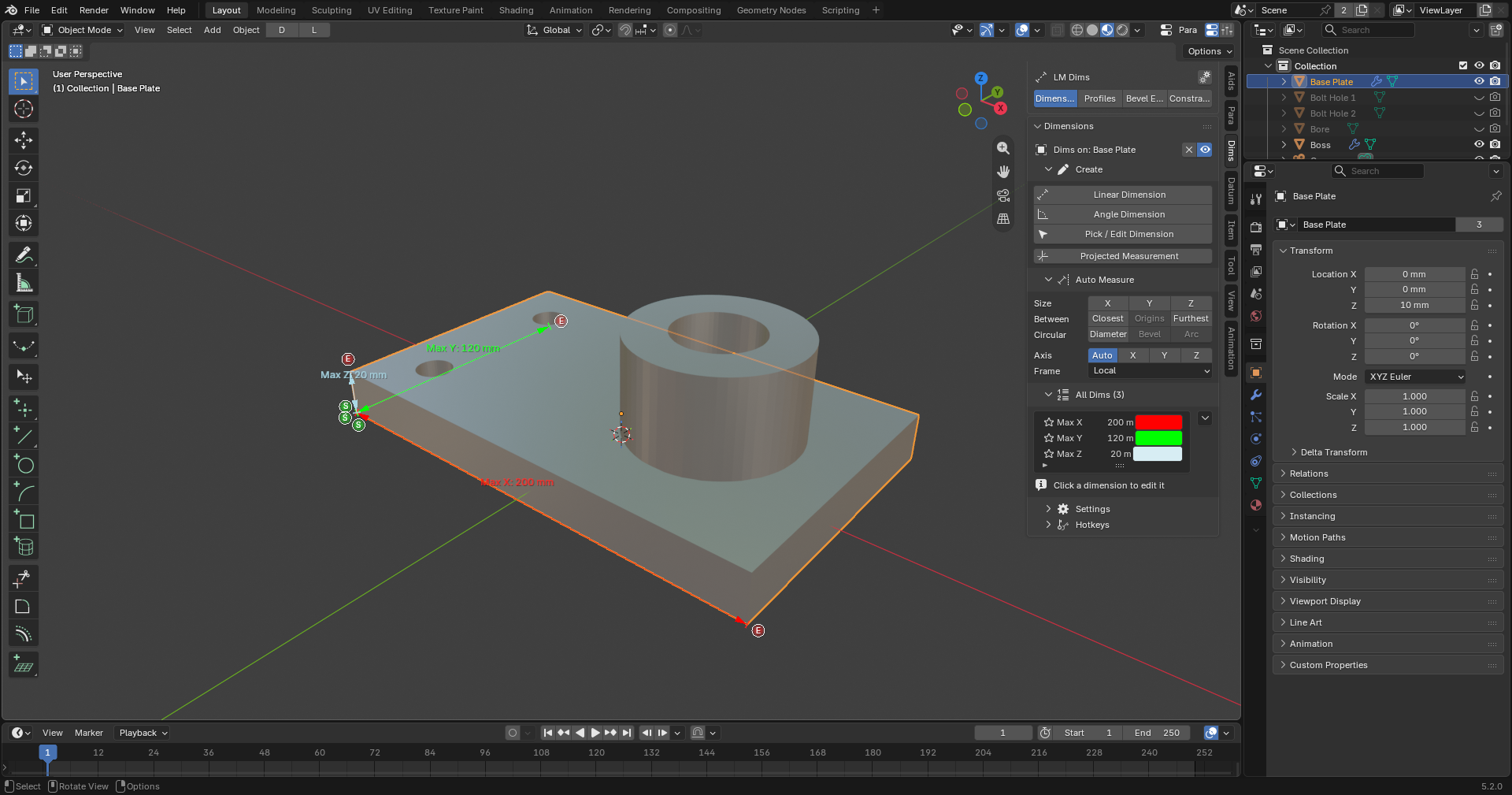
- CAD-style dimensions. Linear, angle, radius, diameter, level and leader dimensions drawn in the viewport — with real drafting arrowheads and text.
- Measure… or drive. Dimensions don't just report geometry: link them to parameters and drag a value to flex the mesh.
- Auto Measure. Size along X/Y/Z, closest/furthest between objects and circular diameters — one click from the current selection.
- Profiles constraint sketcher. Parametric 2D sketches with constraints, converted to native Blender meshes (shipped in the Dims bundle).
- Assemble in 3D. SolveSpace-solved constraints between objects — coincident, distance, angle, parallel, perpendicular, symmetric, midpoint, ratio and more.
- Bevel Edge included. The full LM Bevel Edge add-on ships in the Dims bundle and docks into the Dims sidebar as its own tab.
Captured from Blender

A quick orbit around a dimensioned part — dimensions stay legible from any angle.
Want to know when Dims ships?
Subscribe on YouTube — release news and tutorials land there first.